

The Best Canva Resume Templates That Hiring Managers Actually Notice (And Why They Work)
- Gregory Thornberry
- Dec 12, 2025
- 7 min read

It's a rough economy, and an even rougher job market! Do you want to stand out above those job seekers waving around their cinnamon scented CVs, and their poshly gift wrapped pdf cover letters? (this is so much more than a pdf). The we're gonna find the best Canva resume templates! Let's get you hired prontisimo!

If you are applying for jobs in 2026 and still using a plain Word resume from five years ago, you are not alone. But you are also making your job search harder than it needs to be.
Hiring managers spend seconds, not minutes, scanning resumes. In that short window, design matters. Not flashy design. Not gimmicks. Clean, readable, professional design that makes your experience easy to understand.
This is where Canva shines.
Canva resume templates allow you to create modern, polished resumes that look professional, load cleanly, and help your application stand out without looking overdesigned. When used correctly, Canva becomes both a design tool and a strategy tool.
This guide will show you:
Which Canva resume templates work best
How to choose the right style for your industry
How to customize your resume so it helps you get interviews, not filtered out
How hiring managers actually view Canva resumes
Let’s find you your dream job!
Why Canva Resumes Work in 2026
Canva has evolved far beyond social media graphics. Today, it is one of the most practical tools for job seekers because it solves three big resume problems.
First, Canva templates are visually structured. They guide the reader’s eye naturally from name to experience to skills.

Dave Ramsey’s classic personal finance book focuses on financial confidence and long-term stability. For job seekers, financial health and career planning often go hand in hand, and this book is still widely recommended (Wall Street Journal bestseller for years). Wikipedia
Second, Canva designs are ATS friendly when used correctly. Simple layouts with clean fonts scan just as well as traditional resumes.
Third, Canva lets you control first impressions. Your resume does not look rushed, outdated, or generic.
Hiring managers do not care that you used Canva. They care that your resume is:
Easy to read
Well organized
Focused on results
Professional
Canva helps you achieve that faster than almost any other tool.
Resume vs CV. What Should You Use?
Before choosing a template, you need to know which document you actually need.
A resume is typically:
One page
Focused on skills and experience
Used for most jobs in the United States
A CV is typically:
Two or more pages
Focused on academic or professional history
Used for education, research, international roles, or creative fields
Canva offers templates for both. The key is choosing the correct format for your situation, not just the one that looks best.
If you are unsure, default to a resume. Most employers expect it.
The Best Canva Resume Template Styles and When to Use Them
Not all resume templates are created equal. The best template depends on the job you are applying for.
Clean Professional Templates

These are your safest option.
Best for:
Office jobs
Corporate roles
Healthcare
Finance
Education
Look for:
Single column layouts
Neutral colors
Standard section headings
Minimal icons
These templates signal reliability and clarity. Hiring managers love them.
Modern Minimal Templates

These balance professionalism with personality.
Best for:
Marketing
Business development
Tech
Operations
Look for:
Subtle color accents
Clean typography
Clear hierarchy
Light design elements
These templates help you stand out without crossing into “creative risk” territory.
Creative Resume Templates

These should be used carefully.
Best for:
Designers
Creators
Social media roles
Branding or content jobs
Look for:
Strong typography
Visual balance
Portfolio-friendly layouts
If your job values creativity, these templates work. If not, they can hurt you.
How to Customize a Canva Resume the Right Way
Most people fail with Canva resumes because they do too much.
The goal is not to impress with design. The goal is to make your experience obvious.
Step 1. Start With Content First
Before adjusting colors or fonts, write your resume text.
Focus on:
What you did
What tools you used
What results you achieved
Use short bullet points. Hiring managers scan. They do not read paragraphs.
Step 2. Simplify the Design
Once your content is in place:
Remove unnecessary icons
Avoid multiple fonts
Stick to one accent color
Increase white space
White space is not empty. It is breathing room for the reader.
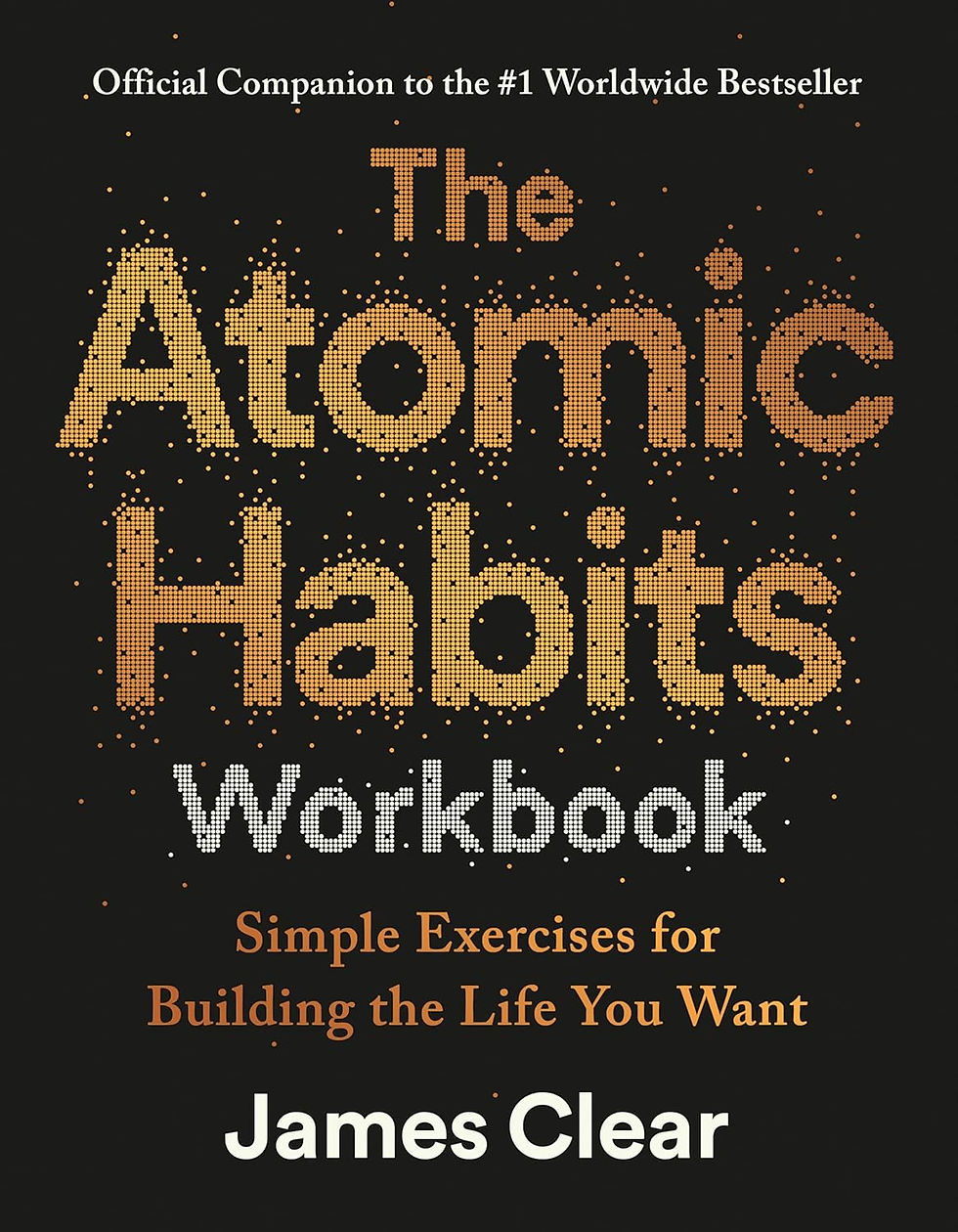
The official companion to the #1 worldwide bestseller is the next step in your habits toolkit. Guided journal prompts will help you engage with your habits and the forces that impact them. Thought-provoking exercises allow you to implement the Atomic Habits theories and see your life transform. This workbook takes the reader from understanding habits to living them. James Clear’s system helps good habits emerge naturally while unwanted habits fade away.
Step 3. Prioritize Readability
Ask yourself:
Can this be read on a phone?
Does my name stand out?
Are job titles easy to find?
If not, adjust spacing and font size. Canva makes this easy.
Step 4. Optimize for ATS Systems
To avoid resume filters:
Use standard section headings like Experience, Skills, Education
Avoid text boxes layered on top of each other
Export as a PDF unless otherwise requested
Avoid charts or graphics for skills
Simple layouts scan better than decorative ones.

Strategic Canva Resume Tips Hiring Managers Love
This is where Canva becomes a strategy tool.
Tailor Each Resume
Canva allows you to duplicate designs quickly.
Create:
One master resume
Customized versions for each role
Change keywords to match the job description. This increases interview chances dramatically.
Match Your Resume to Your LinkedIn
Use similar colors, fonts, and structure.
When a recruiter clicks your LinkedIn profile, your resume should feel consistent, not disconnected.
Use Canva to Build a Resume Set
If you want to stand out:
Resume
Cover letter
Reference sheet
All matching visually.
This subtle consistency signals professionalism.
Common Canva Resume Mistakes to Avoid
Avoid these and you are ahead of most applicants.
Using too many colors
Shrinking text to fit more content
Using creative templates for conservative industries
Forgetting to proofread
Exporting low-resolution files
Simple, clear, and confident always wins.
Final Thoughts. Canva Can Help You Get Hired
Canva is not a shortcut. It is a tool.
When used correctly, Canva helps you:
Present your experience clearly
Make a strong first impression
Adapt your resume quickly
Compete with professionally designed resumes
The best Canva resume templates are the ones that make your experience impossible to ignore.
Choose a clean template. Customize it thoughtfully. Focus on results. And let your resume work for you instead of against you.
Create a Canva Resume Checklist (Save Before You Apply)
Before you submit your resume, run through this quick checklist to make sure your Canva design is helping you get hired, not holding you back.
Resume Basics
Choose a clean, professional Canva resume template
Use one to two fonts maximum
Keep your resume to one page unless a CV is required
Make sure your name stands out at the top
Content & Structure
Use clear section headings (Experience, Skills, Education)
Write concise bullet points focused on results
Tailor keywords to match the job description
Remove outdated or irrelevant experience
Design & Readability
Use one subtle accent color at most
Add spacing between sections for easy scanning
Avoid unnecessary icons or graphics
Make sure text is readable on mobile screens
ATS-Friendly Checks
Avoid charts or progress bars for skills
Do not layer text boxes on top of each other
Export as a PDF unless the employer requests otherwise
Use standard fonts available in Canva
Final Quality Control
Proofread for spelling and grammar
Double-check dates and job titles
Confirm your contact information is correct
Ask someone else to review it if possible
Bonus Strategy
Duplicate your Canva resume and customize it for each role
Match your resume design to your LinkedIn profile
Save a master version so updates are easy
If your resume checks every box above, you are in a much stronger position than most applicants.
External Resources: Resume & Hiring Best Practices
Canva Resume Design Guide
Learn Canva’s official best practices for creating clean, professional resumes that work across industries.
Harvard University Resume and Cover Letter Guide (PDF)
A gold-standard reference for resume structure, wording, and formatting expectations from employers.
Indeed Career Guide: Resume Writing Tips
Practical advice straight from one of the largest hiring platforms in the world.
LinkedIn Career Advice: Resume Tips That Get Noticed
Insight into what recruiters and hiring managers actually look for when reviewing resumes.
Jobscan: ATS Resume Optimization Guide
A deep dive into how applicant tracking systems scan resumes and how to optimize for them.
📸 Start Your Creator Journey
Disclosure: Some of the links above are affiliate links. If you make a purchase through these links, Thornberry Media may earn a small commission at no extra cost to you. We only recommend books we genuinely believe are useful for professional growth and job seekers.


Comments